
Showing posts with label Tiktok. Show all posts

How to Make a TikTok Video?


A TikTok video is a short video that is shared on the social media platform TikTok. TikTok is a popular app that allows users to create and share short-form videos, typically featuring music or other audio in the background.

TikTok videos can be up to 60 seconds long, and can include a variety of different elements, such as music, sound effects, filters, and stickers. Users can also add text, emojis, and other visual elements to their videos to make them more engaging and creative.

TikTok videos are often shared with friends and followers on the app, and can be discovered by other users through the app's various algorithms and recommendations. They can also be shared on other social media platforms, such as Instagram and Twitter, and can go viral if they gain a large number of views and likes.

Overall, a TikTok video is a short video that is shared on the social media platform TikTok. It can be up to 60 seconds long, and can include a variety of elements, such as music, filters, and stickers. TikTok videos are often shared with friends and followers on the app, and can go viral if they gain a large number of views and likes.

How to Make a TikTok Video?


To make a TikTok video, you will need to follow these steps:

  1. Install the TikTok app on your smartphone or other mobile device.

  2. Open the TikTok app and sign in to your account, or create a new account if you don't already have one.

  3. To create a new TikTok video, tap on the "+" icon in the bottom-center of the screen.

  4. Select the video capture mode that you want to use (e.g. "Music", "Duet", "React", etc.).

  5. Select a song or other audio track to use as the background music for your video.

  6. Record your video by holding your phone in landscape mode and tapping and holding the red capture button. You can record up to 60 seconds of video, and you can switch between the front and rear cameras by tapping on the camera icon in the bottom-right corner of the screen.

  7. When you are finished recording your video, tap on the "Next" button in the top-right corner of the screen.

  8. In the "Edit" screen, you can add filters, stickers, and other visual effects to your video. You can also trim and split your video, and add text, emojis, and other visual elements.

  9. When you are happy with your video, tap on the "Next" button again.

  10. In the "Share" screen, you can add a caption and hashtags to your video, and select which social media platforms you want to share your video on.

  11. When you are ready, tap on the "Post" button to share your video on TikTok.

Overall, to make a TikTok video, you will need to install the TikTok app, sign in to your account, select a video capture mode, select a song or audio track, record your video, and then add filters and other visual effects. You can then share your video on TikTok and other social media platforms.
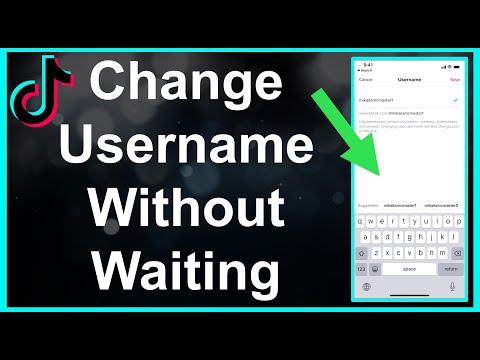
How to Change Username on TikTok?


TikTok is a social media platform and mobile app that is primarily used for creating and sharing short-form videos. The app allows users to create videos that are typically 15 seconds to 1 minute in length, and can be edited with filters, effects, and music.

TikTok was originally launched in 2016 under the name Douyin in China, and was later released globally as TikTok in 2017. The app has quickly gained popularity, especially among younger users, and has become one of the most popular social media platforms in the world.

TikTok is known for its unique and creative content, which often includes lip-syncing, dance challenges, and other creative videos. The app also has a strong emphasis on music, with users able to add licensed music to their videos and create their own soundtracks.

Overall, TikTok is a popular social media platform and mobile app that allows users to create and share short-form videos. The app has a strong focus on creativity and music, and has become one of the most popular social media platforms in the world.

To change your username on TikTok, you will need to have the latest version of the TikTok app installed on your device. Here's how to change your username on TikTok:

  1. Open the TikTok app and tap on the "Me" icon in the bottom right corner of the screen.

  2. Tap on the "Edit profile" button in the top right corner of the screen.

  3. Scroll down to the "Username" section, and tap on the "Edit" button next to your current username.

  4. Type in a new username that you would like to use, and then tap on the "Save" button.

  5. Your username will be updated and will be visible to other users on TikTok.

Note that you can only change your username on TikTok once every 30 days, so choose your new username carefully. You should also make sure that the new username is not already being used by another user on TikTok.

Overall, changing your username on TikTok is a simple and straightforward process. By following these steps, you can easily update your username and make it easier for other users to find and follow you on TikTok.

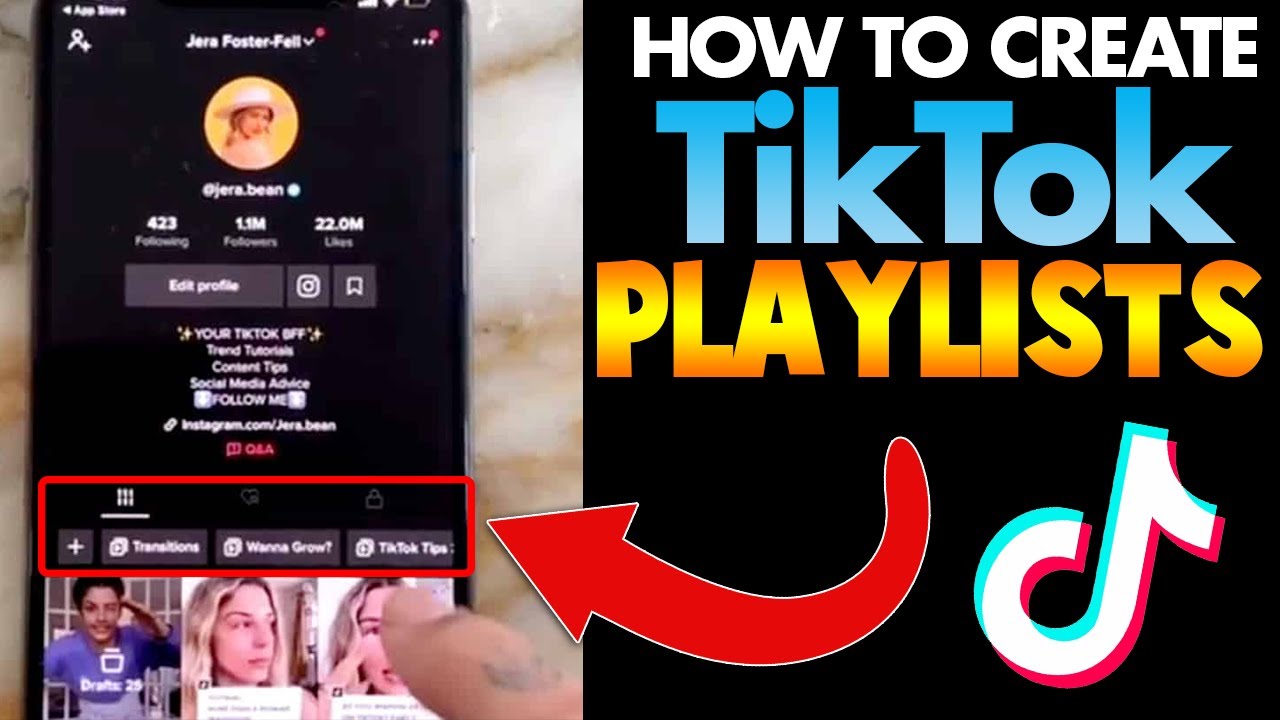
How to Create a Playlist on Tiktok?


To create a playlist on TikTok, you can follow these steps:

  1. Open the TikTok app and log in to your account.

  2. Tap on the "Me" tab at the bottom of the screen.

  3. Tap on the "Favorites" tab at the top of the screen.

  4. Tap on the "Create Playlist" button in the top right corner of the screen.

  5. Enter a name and description for your playlist, and select any additional options, such as privacy settings.

  6. Tap on the "Create" button to create your playlist.

  7. To add videos to your playlist, find the videos that you want to add and tap on the "Add to Playlist" button below the video.

  8. Select the playlist that you want to add the video to from the list of playlists that appears.

  9. Repeat this process to add as many videos as you want to your playlist.

Overall, creating a playlist on TikTok is a simple and convenient way to organize your favorite videos and share them with others. By following these steps, you can easily create a playlist on TikTok and start adding videos to it.

Free Learn How-To Tutorials

Search This Blog

Menu Halaman Statis

About Me