Showing posts with label Entertainment. Show all posts

How to Make a TikTok Video?


A TikTok video is a short video that is shared on the social media platform TikTok. TikTok is a popular app that allows users to create and share short-form videos, typically featuring music or other audio in the background.

TikTok videos can be up to 60 seconds long, and can include a variety of different elements, such as music, sound effects, filters, and stickers. Users can also add text, emojis, and other visual elements to their videos to make them more engaging and creative.

TikTok videos are often shared with friends and followers on the app, and can be discovered by other users through the app's various algorithms and recommendations. They can also be shared on other social media platforms, such as Instagram and Twitter, and can go viral if they gain a large number of views and likes.

Overall, a TikTok video is a short video that is shared on the social media platform TikTok. It can be up to 60 seconds long, and can include a variety of elements, such as music, filters, and stickers. TikTok videos are often shared with friends and followers on the app, and can go viral if they gain a large number of views and likes.

How to Make a TikTok Video?


To make a TikTok video, you will need to follow these steps:

  1. Install the TikTok app on your smartphone or other mobile device.

  2. Open the TikTok app and sign in to your account, or create a new account if you don't already have one.

  3. To create a new TikTok video, tap on the "+" icon in the bottom-center of the screen.

  4. Select the video capture mode that you want to use (e.g. "Music", "Duet", "React", etc.).

  5. Select a song or other audio track to use as the background music for your video.

  6. Record your video by holding your phone in landscape mode and tapping and holding the red capture button. You can record up to 60 seconds of video, and you can switch between the front and rear cameras by tapping on the camera icon in the bottom-right corner of the screen.

  7. When you are finished recording your video, tap on the "Next" button in the top-right corner of the screen.

  8. In the "Edit" screen, you can add filters, stickers, and other visual effects to your video. You can also trim and split your video, and add text, emojis, and other visual elements.

  9. When you are happy with your video, tap on the "Next" button again.

  10. In the "Share" screen, you can add a caption and hashtags to your video, and select which social media platforms you want to share your video on.

  11. When you are ready, tap on the "Post" button to share your video on TikTok.

Overall, to make a TikTok video, you will need to install the TikTok app, sign in to your account, select a video capture mode, select a song or audio track, record your video, and then add filters and other visual effects. You can then share your video on TikTok and other social media platforms.
How to Change Username on TikTok?


TikTok is a social media platform and mobile app that is primarily used for creating and sharing short-form videos. The app allows users to create videos that are typically 15 seconds to 1 minute in length, and can be edited with filters, effects, and music.

TikTok was originally launched in 2016 under the name Douyin in China, and was later released globally as TikTok in 2017. The app has quickly gained popularity, especially among younger users, and has become one of the most popular social media platforms in the world.

TikTok is known for its unique and creative content, which often includes lip-syncing, dance challenges, and other creative videos. The app also has a strong emphasis on music, with users able to add licensed music to their videos and create their own soundtracks.

Overall, TikTok is a popular social media platform and mobile app that allows users to create and share short-form videos. The app has a strong focus on creativity and music, and has become one of the most popular social media platforms in the world.

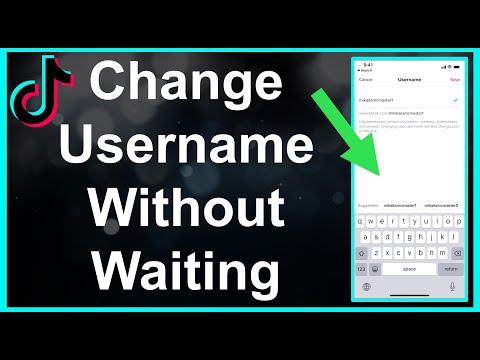
To change your username on TikTok, you will need to have the latest version of the TikTok app installed on your device. Here's how to change your username on TikTok:

  1. Open the TikTok app and tap on the "Me" icon in the bottom right corner of the screen.

  2. Tap on the "Edit profile" button in the top right corner of the screen.

  3. Scroll down to the "Username" section, and tap on the "Edit" button next to your current username.

  4. Type in a new username that you would like to use, and then tap on the "Save" button.

  5. Your username will be updated and will be visible to other users on TikTok.

Note that you can only change your username on TikTok once every 30 days, so choose your new username carefully. You should also make sure that the new username is not already being used by another user on TikTok.

Overall, changing your username on TikTok is a simple and straightforward process. By following these steps, you can easily update your username and make it easier for other users to find and follow you on TikTok.

How to Fix PS5 Controller Drift?


PS5 controller drift is a common issue that can occur with the PS5 DualSense controller, where the control stick moves on its own without input from the user. This can be frustrating and can affect the gameplay experience.

Controller drift is typically caused by a hardware issue, such as a faulty control stick or a problem with the controller's internal gyroscope. In some cases, controller drift can also be caused by debris or grime accumulating on the control stick.

If your PS5 controller is experiencing drift, there are a few steps you can try to fix the issue, such as restarting the controller, updating the firmware, cleaning the control stick, or calibrating the controller. If the issue persists, you may need to replace the controller.

Overall, PS5 controller drift is a common issue that can affect the gameplay experience. However, there are steps you can take to try to fix the issue, and in some cases, you may need to replace the controller to resolve the problem.


If your PS5 controller is experiencing drift, where the control stick moves on its own without input from the user, there are a few steps you can try to fix the issue. Here's what you can do to fix PS5 controller drift:

  1. Restart the controller by holding down the PlayStation button and the Share button simultaneously for a few seconds until the light on the controller turns off. Then, press the PlayStation button again to turn the controller back on.

  2. Update the controller firmware by connecting the controller to your PS5 using a USB cable, and then going to the "Devices" section of the PS5 settings menu. Select the controller, and then select "Update System Software" to check for and install any available updates.

  3. Clean the control stick by using a soft, dry cloth to gently wipe away any debris or grime that may have accumulated on the control stick. Be careful not to use any liquid or cleaning solution, as this can damage the controller.

  4. Calibrate the controller by going to the "Devices" section of the PS5 settings menu, selecting the controller, and then selecting "Calibrate Control Sticks." Follow the on-screen instructions to calibrate the control stick and ensure that it is functioning properly.

  5. If the controller is still experiencing drift after trying these steps, you may need to replace the controller. Contact Sony customer support for assistance with replacing the controller under warranty, if applicable.

Overall, drift on a PS5 controller can be frustrating, but there are a few steps you can try to fix the issue. If the controller is still not functioning properly after trying these steps, you may need to replace the controller.

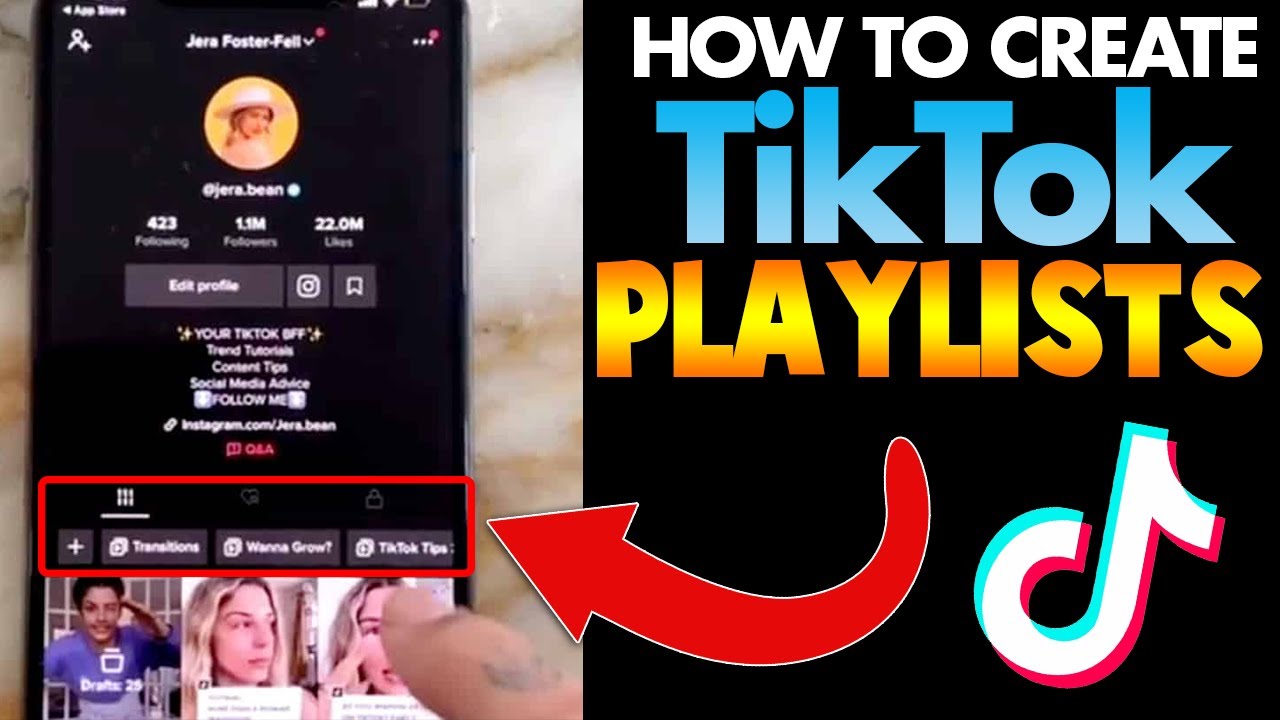
How to Create a Playlist on Tiktok?


To create a playlist on TikTok, you can follow these steps:

  1. Open the TikTok app and log in to your account.

  2. Tap on the "Me" tab at the bottom of the screen.

  3. Tap on the "Favorites" tab at the top of the screen.

  4. Tap on the "Create Playlist" button in the top right corner of the screen.

  5. Enter a name and description for your playlist, and select any additional options, such as privacy settings.

  6. Tap on the "Create" button to create your playlist.

  7. To add videos to your playlist, find the videos that you want to add and tap on the "Add to Playlist" button below the video.

  8. Select the playlist that you want to add the video to from the list of playlists that appears.

  9. Repeat this process to add as many videos as you want to your playlist.

Overall, creating a playlist on TikTok is a simple and convenient way to organize your favorite videos and share them with others. By following these steps, you can easily create a playlist on TikTok and start adding videos to it.


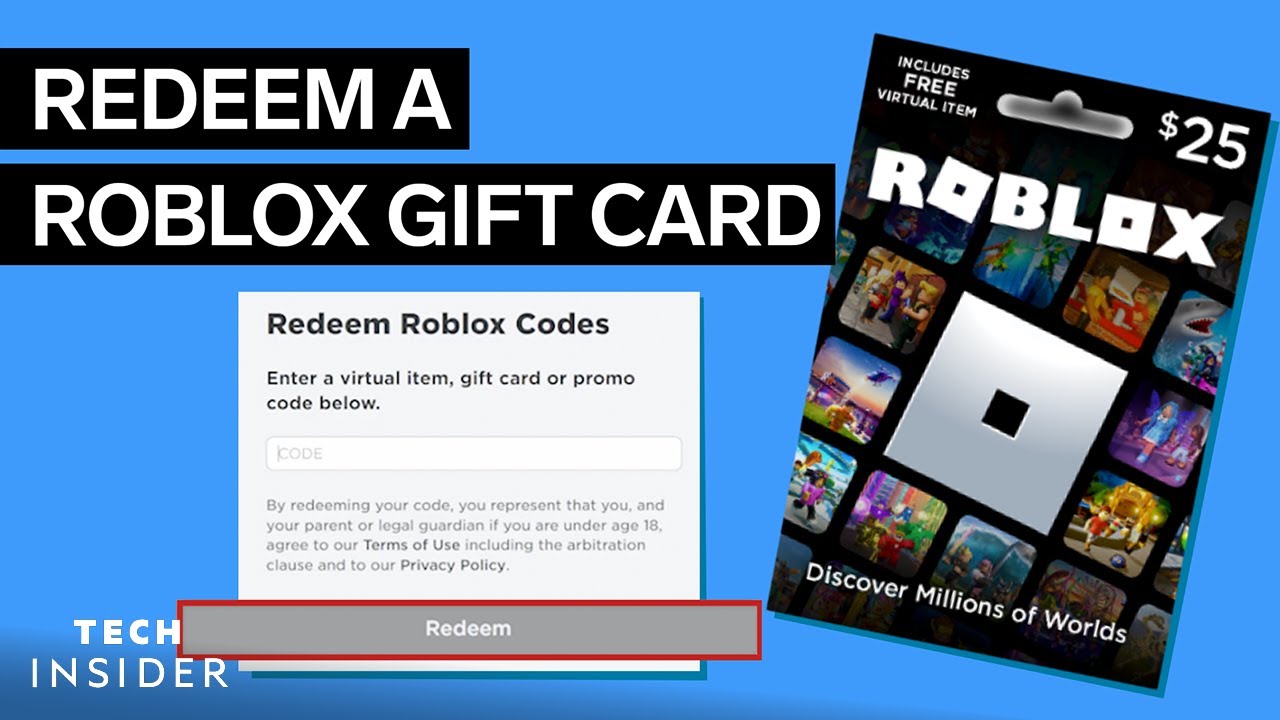
To use a Roblox gift card, you will need to have a Roblox account and be logged in to the account. Here's how:

  1. Go to the Roblox website and log in to your account.

  2. Click on the "Robux" tab in the top menu bar.

  3. Click on the "Buy Robux" button in the top right corner of the page.

  4. Select the "Redeem a Card" option from the list of payment methods.

  5. Enter the code from your Roblox gift card in the space provided, and click "Redeem".

  6. The amount on your gift card will be added to your Roblox account balance, and you can use it to buy virtual items or in-game currency in Roblox.

Overall, using a Roblox gift card is a simple process that allows you to add funds to your Roblox account and buy virtual items or in-game currency. By following these steps, you can easily use your Roblox gift card and enjoy all that the Roblox platform has to offer.

BTS Songs - Which One is Right For You?


BTS, also known as the Bangtan Boys, is a popular South Korean boy band that has released many songs over the years. The group's music covers a wide range of genres, including pop, hip hop, and R&B, and their songs often contain powerful messages about self-love and empowerment.

It can be difficult to choose which BTS song is right for you, as it ultimately depends on your personal taste and preferences. However, some of the group's most popular and well-known songs include:

  • "Dynamite": This upbeat and catchy pop song is one of BTS's most recent releases and has become a global hit. It has a positive and uplifting message about finding joy and happiness in life.

  • "Blood Sweat & Tears": This powerful and emotional R&B track is one of BTS's most popular songs, and explores the challenges and struggles of youth and the importance of perseverance.

  • "I Need U": This melancholic and introspective pop ballad is one of BTS's early hits, and explores the emotions and challenges of young love.

  • "Save Me": This anthemic and uplifting pop rock track is one of BTS's most iconic songs, and explores the theme of self-love and the importance of reaching out for help when needed.

Overall, the best BTS song for you will depend on your personal taste and preferences.

Free Learn How-To Tutorials

Search This Blog

Menu Halaman Statis

About Me